
Telegram API credentials
How to obtain API ID and API Hash for linking a Telegram account
Connecting a Telegram account to Neurallux requires an API ID and API Hash from Telegram. Telegram issues them for free so your client can call the official API.
What are API ID and API Hash?
- API ID — numeric identifier for your Telegram application
- API Hash — secret used to sign API requests
- Both values are free and issued by Telegram
- Create or view them on my.telegram.org
Walkthrough
Sign in to my.telegram.org
Visit my.telegram.org and enter the phone number tied to your Telegram account.
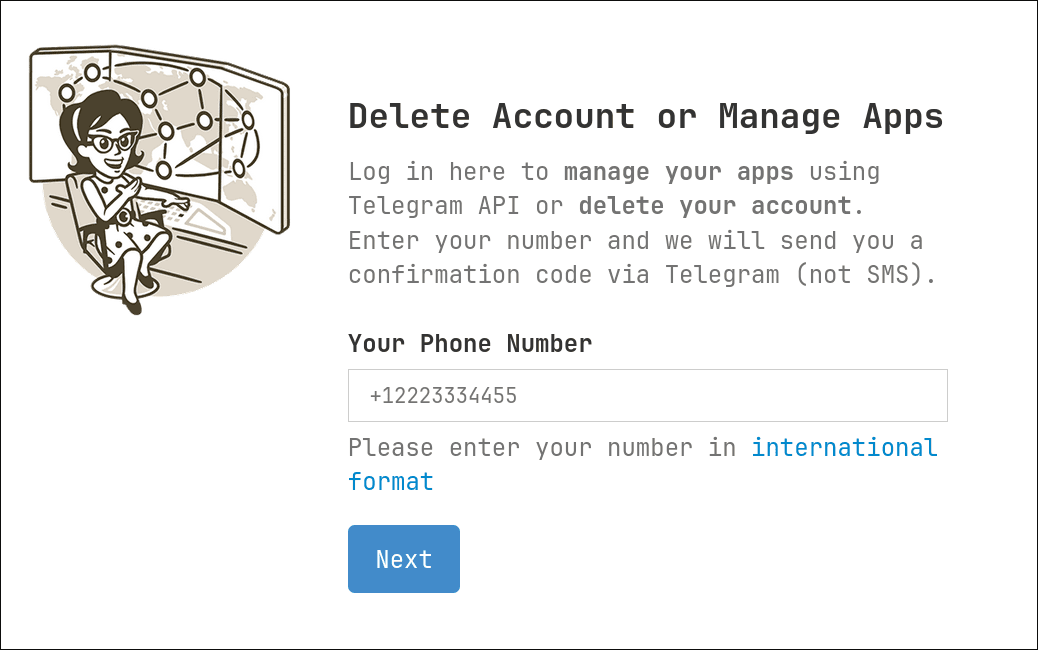
Tap Next, then enter the login code Telegram sends you.
Open API development tools
After logging in, click API development tools in the site menu.

That page is where you register an app and receive credentials.
Create an application
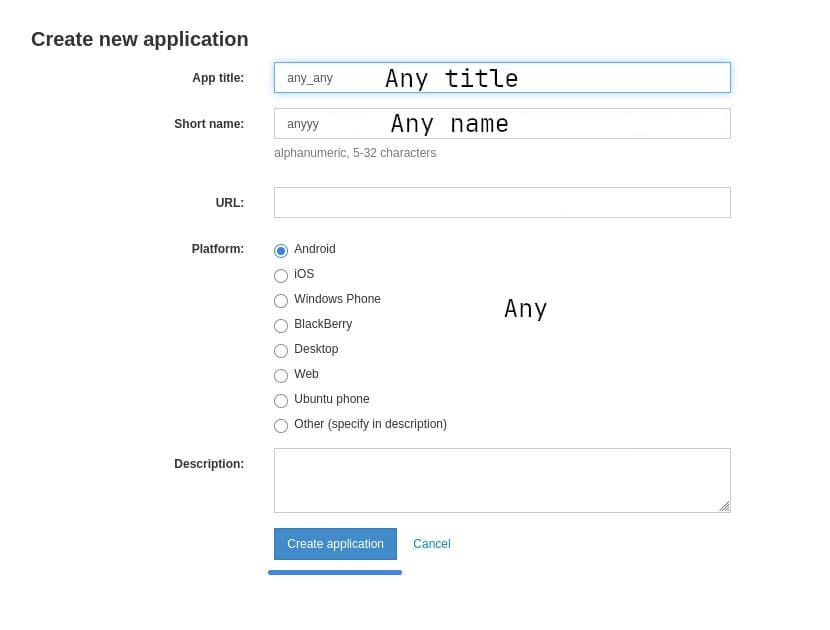
Fill out the short form—placeholder titles and descriptions are fine; they do not change how the API behaves.
Copy API ID and API Hash
After saving the app you will see a summary screen listing your API ID and API Hash.
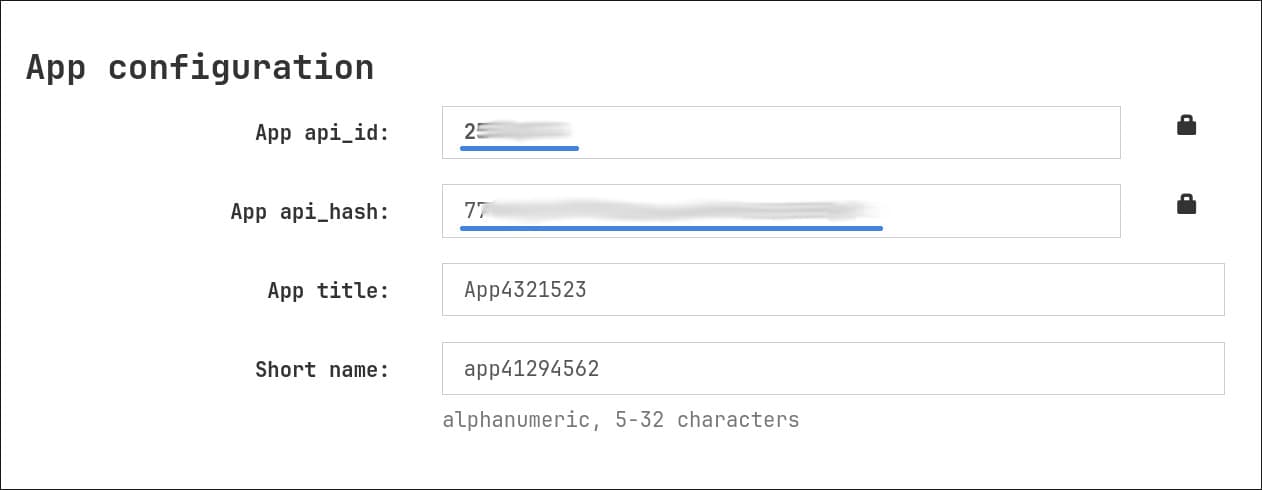
Copy both values:
- App api_id: numeric value (for example 1234567)
- App api_hash: hexadecimal string (for example abcdef0123456789...)
Security notes
- Never share your API Hash or API ID—they are secrets
- Credentials stay tied to the Telegram account that created them
- Lost the values? Sign in again at my.telegram.org anytime
- One API pair can power multiple Neurallux connections
Next steps
You now have everything needed to attach a Telegram session to Neurallux:
- API ID (number)
- API Hash (string)